What's MFA? Why do I need it?
How to enable MFA
1.
Log into Trade Me on the desktop site.
2.
Go to My Trade Me and select 'Manage Multi-factor authentication'.
3.
Follow the steps to set up MFA with your authenticator app.
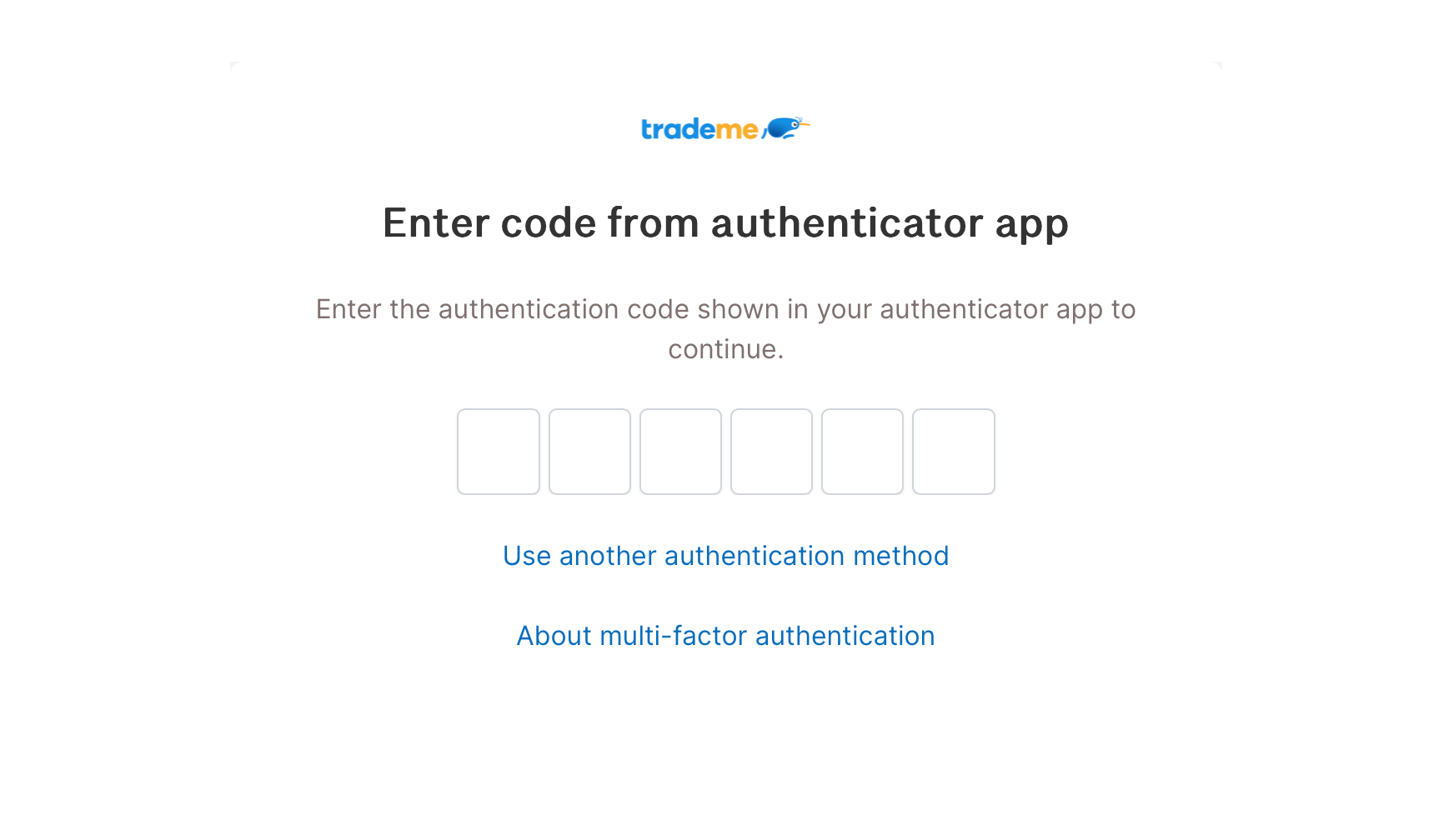
Once enabled, you'll be asked to enter a one-time verification code when you log into Trade Me:
Got questions?
Check out our help page for a step-by-step guide and more info on MFA.
Learn more