Feature article
Take a Fly around before you visit
Check out the street, the parks and the walk to the shops, right from the listing.
Last updated: 17 November 2026

AI summary
Explore a property's neighbourhood with Fly around, an aerial tour feature on Trade Me Property. Get a feel for the street, spot nearby parks and schools, and see the lay of the land before you visit.
This feature is available for homes for sale in major NZ cities on the website and iOS app, but not currently on Android. Simply click the Fly around button on a listing to start your virtual tour of the area.
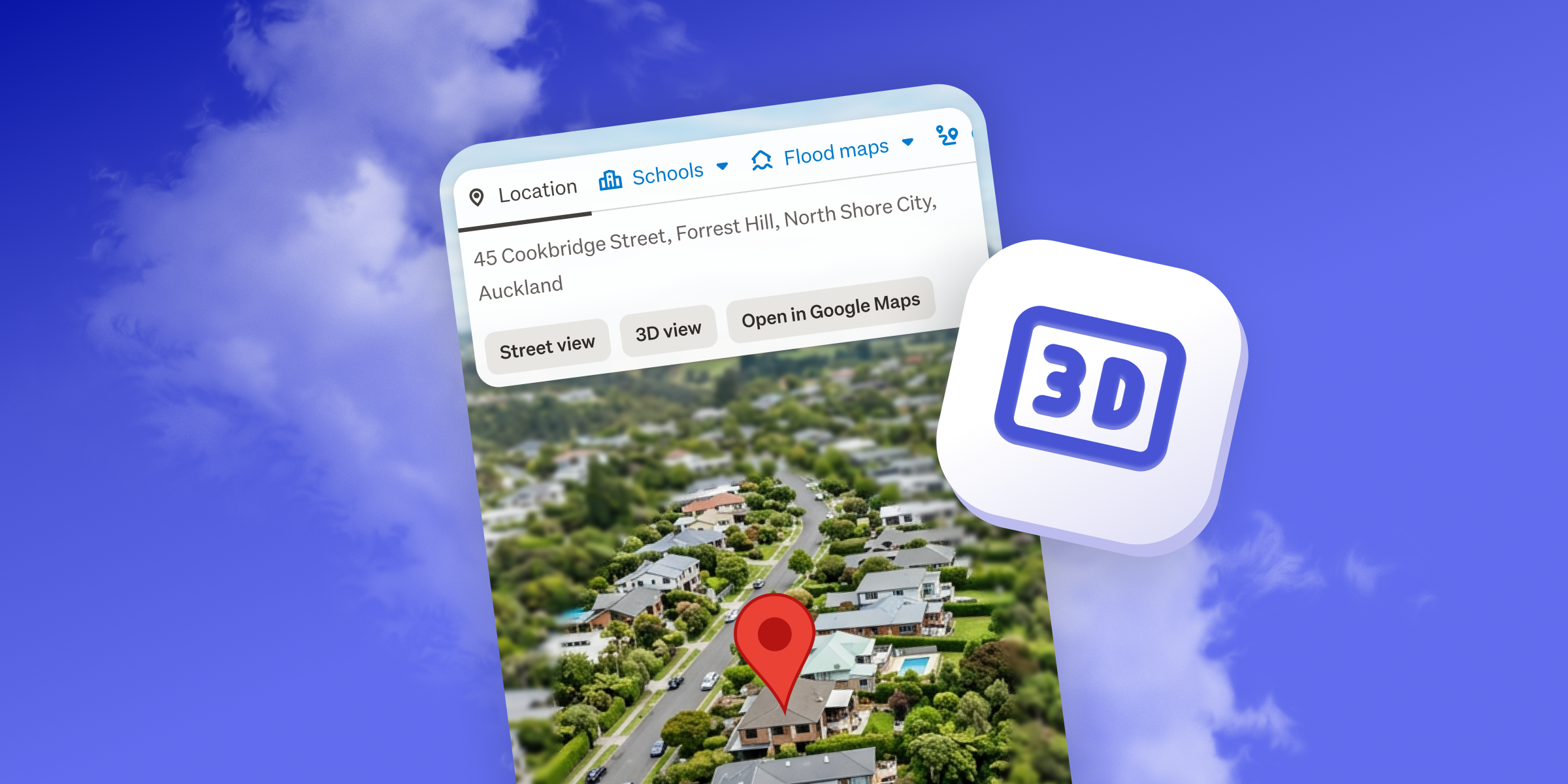
Listing photos are great at showing you the house. But what about everything around it? How close is the park? Is that a busy road out the back? And what's the walk to the shops like?
With Fly around, you can take an aerial tour of the area around a home for sale, without leaving the listing. It's a quick look around the block before you've even grabbed your car keys.
What you can see
- The street. Get a feel for the neighbourhood and the homes around it.
- What's nearby. Spot the parks, schools and shops close by.
- The lie of the land. See whether a home sits on the flat, up a hill or tucked into a valley.
How to get started
- Open a home for sale.
- On the website, click Fly around at the top right of the listing, next to Watchlist. In the iOS app, tap Fly around under the map, between School Zones and Directions.
- Sit back while we take you around the block.
Where you can use it
Fly around is on homes for sale (not rentals) on the Trade Me Property website and our iOS apps. Where it's available depends on how you're browsing:
- On the website: Auckland, Hamilton, Tauranga, Napier, New Plymouth, Palmerston North, the Wellington region, Nelson / Tasman, Christchurch, Dunedin and Queenstown.
- On iOS: Auckland, the Wellington region, Christchurch, Dunedin, Nelson / Tasman and Queenstown.
This feature is not currently available on Android.


Search
Other articles you might like