Feature article
Sold Search is here
Our latest feature launch
AI summary
Discover the new Sold Search feature on Trade Me Property. This tool provides valuable insights by showing recent and historic sale prices sourced from councils and agents.
Buyers can use this data to make competitive offers, while sellers can better gauge their property's market value.
Easily explore sales in your desired area using the intuitive map view, keeping all your property research in one convenient place. Find it under the 'Property' section in the app.
We’re excited to roll out our new Sold Search feature, designed to give you a clearer view of the property market. Whether you’re buying, selling, or just curious about what’s happening in your neighbourhood, this tool puts valuable information right at your fingertips.
The Power of Sold Search
Having sold data shows you what similar properties are selling for in your area, helping you make smarter decisions. No matter if you are buying or selling, it offers a snapshot of the market.
Our sold data is primarily sourced from local councils once a sale has settled, with timely updates from real estate agents when available.
We know you have options, but here’s why our Sold Search stands out: With more listings than anywhere else, you’ll hear first when a property is sold. And while we’re always working on getting sale prices faster, you can trust that our data is as up-to-date and detailed as it gets.
Simplifying Your Property Journey
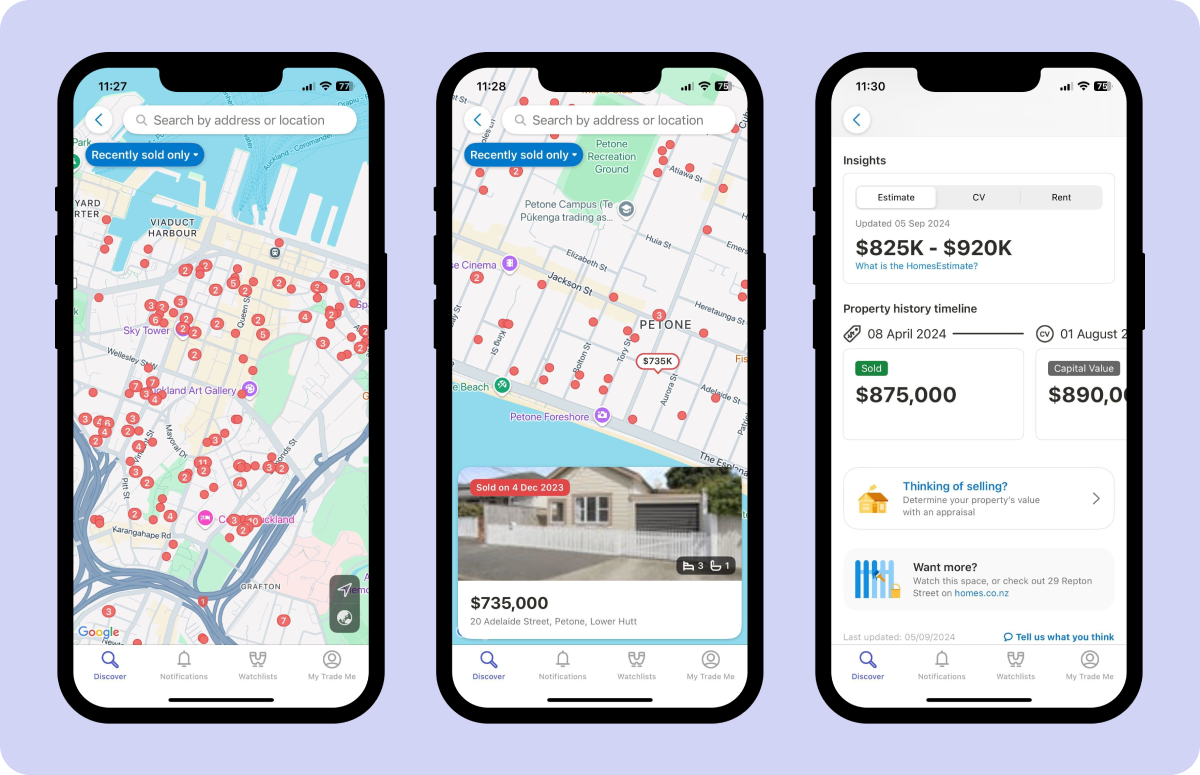
Navigating the property market can be overwhelming, but Sold Search makes it a bit easier. For sellers, you can check out recent and historic sales nearby to gauge what your property might be valued at in the current market. For buyers, you can use this data to land on the right offer price, giving you an edge in negotiations. The map view is a real advantage because it lets you visually explore recent sales in any area you’re interested in. Just zoom in on neighbourhoods or streets to see property prices at a glance.
Easy and Intuitive
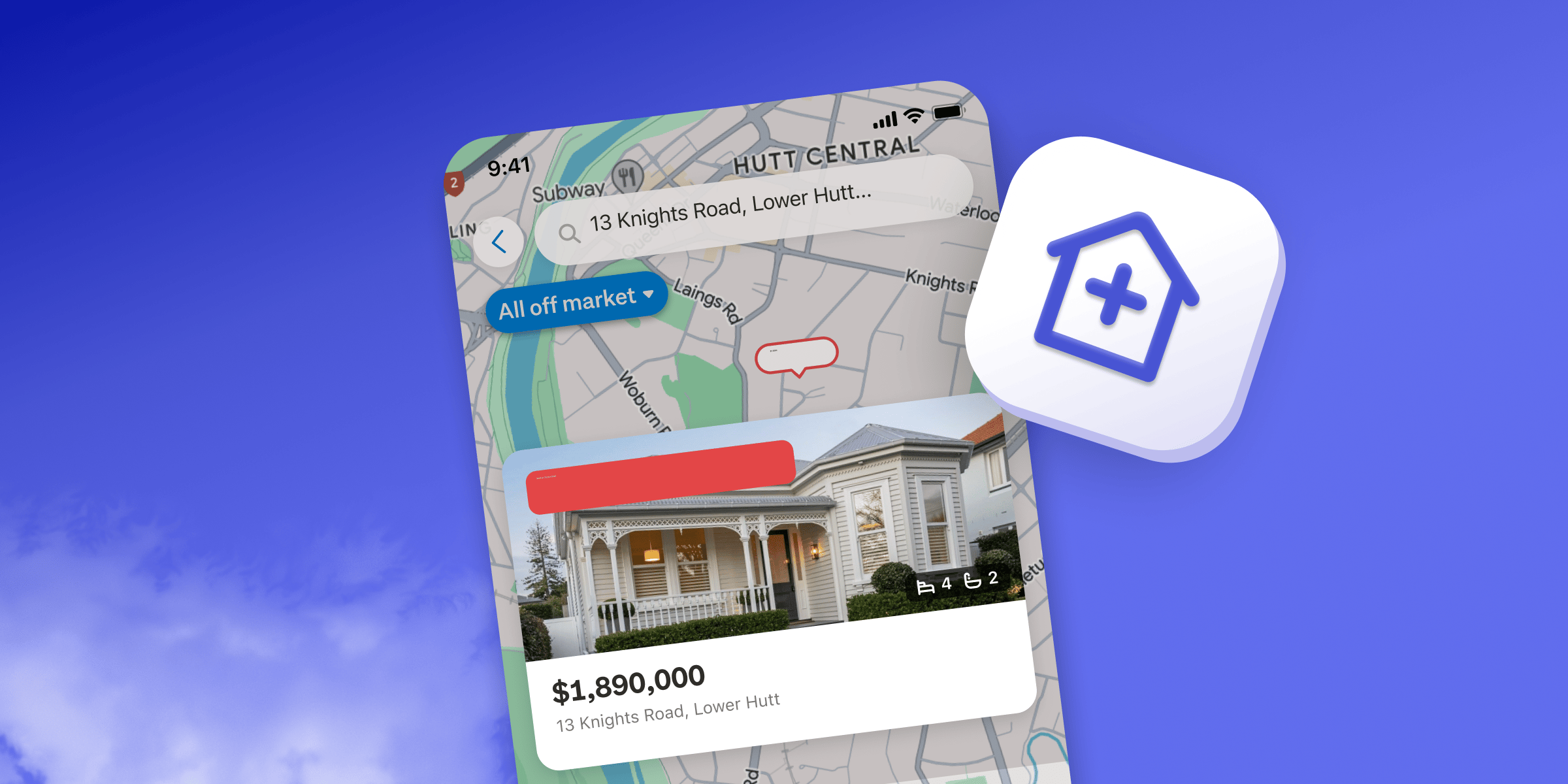
To find Sold Search Just tap ‘Property’ from our app’s homepage of and choose ‘Sold’ from the category selector. You can zoom in and scroll around the map or use the search bar to look up specific areas or addresses. It’s all designed to be user-friendly and intuitive. Best of all now you don’t need to leave Trade Me to find property data.
Want to filter your results? No problem. You can choose to see only recent sales (within the last 12 months) or all properties. Zoom in to get a quick glance at the latest sale prices, or tap on the pins to get more detailed property information.
What’s Next?
We’re committed to making this feature even better.
"We’re thrilled to bring you this new feature and can’t wait to hear how it’s helping you make better property decisions. If you have any feedback or ideas, we’re all ears—after all, this is just the beginning."
Discover More

Stunning photos show Otago's best new architecture
Otago’s top new architecture projects include heritage restorations, rammed earth homes and striking modern retreats.

Do I need house insurance and how much does it cost?
We’ve answered all of your questions about house insurance to help make sure you've got the cover you need.
Search
Other articles you might like