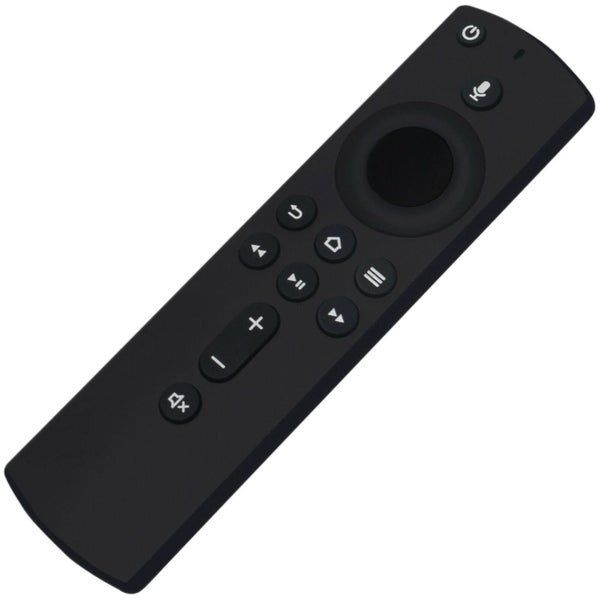
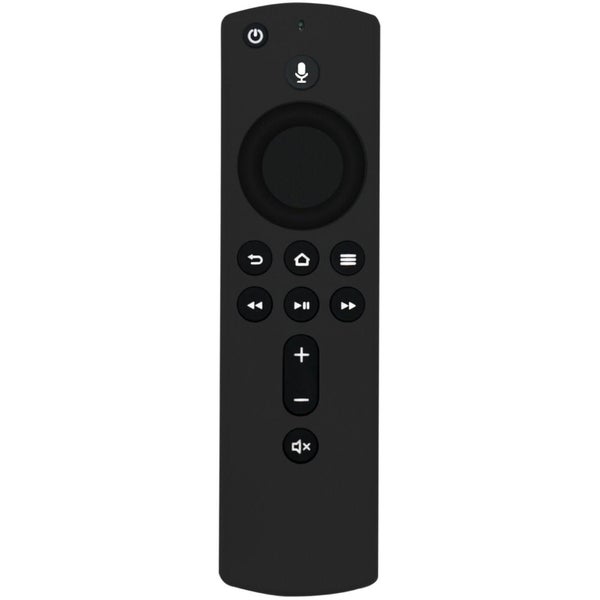
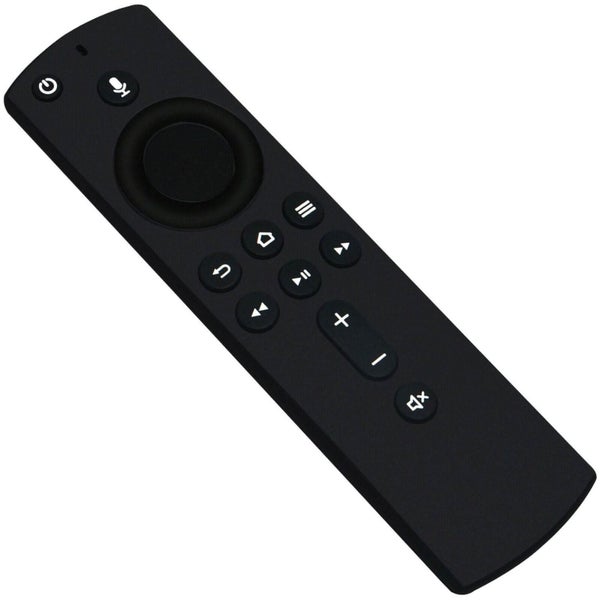


Description
Compatible with: a) Amazon Fire TV Stick 4K b) Amazon Fire TV Stick (2nd Gen.) c) Amazon Fire TV Cube (1st Gen.) d) Amazon Fire TV Cube (2nd Cube) e) Amazon Fire TV (3rd Gen, Pendant Design) NOT Compatible with: a) Amazon Fire TV (1st Gen.) b) Amazon Fire TV (2nd Gen.) c) Amazon Fire TV Stick (1st Gen.) d) Amazon Fire TV Edition TVs.
Pairing Remote Press the Home button about 8-30 seconds until the LED starts to rapidly flash amber, then the remote should automatically pair with your device.
RESET REMOTE Having trouble with your remote, first remove and reinsert the new alkaline batteries in your remote. Then Reset your remote as below: Reset Your Remote Reset your Alexa Voice Remote if it doesn't connect to your Fire TV device. To reset your remote: Place your remote within 10 feet of your Fire TV device.
- Press the Left, Menu, and Back buttons simuitaneously, and hold for 10 seconds.
- Wait for 60 seconds.
- Remove the batteries from your remote, unplug your Fire TV device, and wait 60 seconds.
- Plug your Fire TV device back in, and wait for the Home Screen to display
- Hold the Home button on your remote for 40 seconds, then wait 60 seconds for setup to complete.
Power Supply: 2 X 1.5V AAA Alkaline Battery
Package Content: 1 X Remote Control Batteries don't inculded
Details
Shipping & pick-up options
| Destination & description | Price | |
|---|---|---|
| Nationwide 8-15 days, Economy | $11.44 | |
| Shipping more than one item | No extra charge | |
Estimated delivery times in business days
Pick-ups not available
GST included.
Payment Options
Pay instantly by card, Ping balance or saved bank account.
Four fortnightly interest-free payments.
Questions & Answers
Voice Remote for Amazon Alexa 3rd Gen Fire TV 4K Fire TV Cube Fire TV Stick
Am I covered by Buyer Protection?
When you make a purchase using Card, Direct Debit, Ping balance or Afterpay we are able to protect your trade under our Buyer Protection policy, up to $2,500.
Learn more about Trade Me's Buyer Protection.
About the store
battery_mate
93.6% positive feedback( 1107