


Car OBD2 Head Up Display Navigation HUD Mirror GPS HUD Projection Speedometer
Description
Main Function:
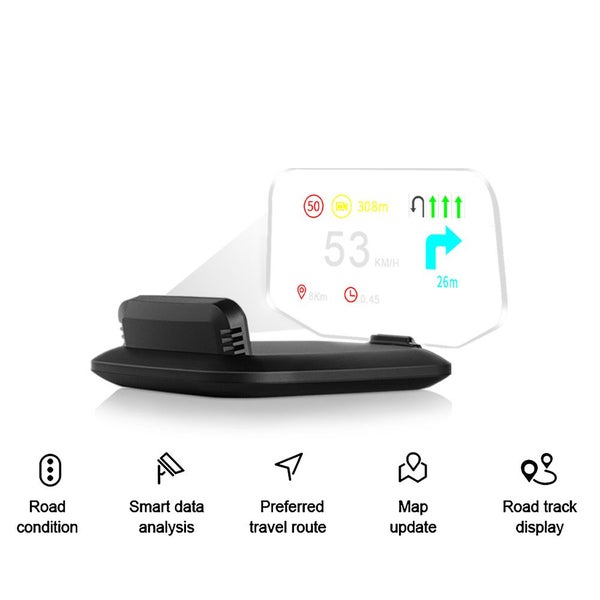
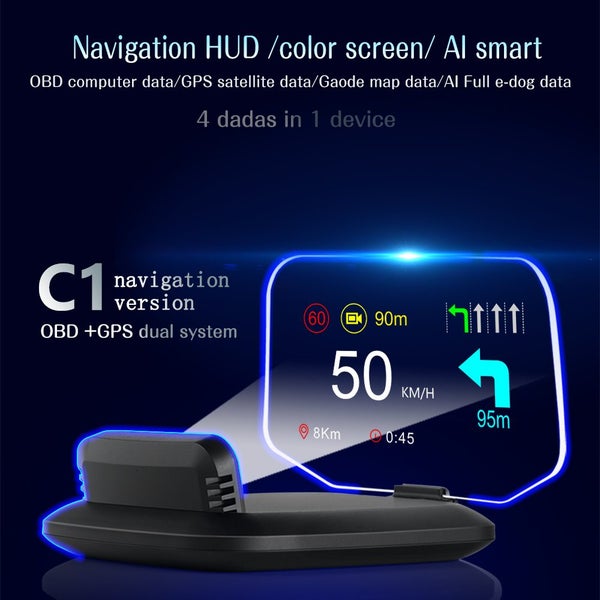
- OBD mode information display: vehicle speed, water temperature, voltage, fuel consumption, RPM, single mileage, total cumulative mileage, travel time, system time, intake pressure, oil temperature, air-fuel ratio, turbine pressure, intake pressure, acceleration test, brake test, read data stream, Navigation... Alarm: Overspeed alarm, Speed alarm, High water temperature alarm, Low voltage alarm, Engine fault alarm, Clear fault code, Free switching between kilometer and miles, KM/h & MPH Switch freely
- GPS mode information display: speed, travel time, satellite time, altitude, number of satellites, driving direction, single mileage, voltage, acceleration test, brake test, Navigation...
Alarm: Overspeed alarm, Low voltage alarm, Free switching between kilometer and miles.
Navigation system use:
Please search wiiyii in App store to download . or scan the QR code in user manual to download and install.
Steps as below:
1.Confirm the APP installed successfully, and HUD is working.
Open the mobile Bluetooth,GPS,internet.
Click the wiiyii App,the mobile phone will auto connect with the HUD via Bluetooth.
2.If the mobile phone cannot connect to the Bluetooth device correctly, please follow the instructions below:
HUD host needs to display normally. If the OBD system is unable to connect, please switch to the GPS system,and display normally.
Check the mobile Bluetooth whether connected to other devices or not, if yes, please delete the paired Bluetooth device, and connect to WYHUD
- Turn off the Bluetooth and then turn it on, or restart the phone
Kindly Notice:
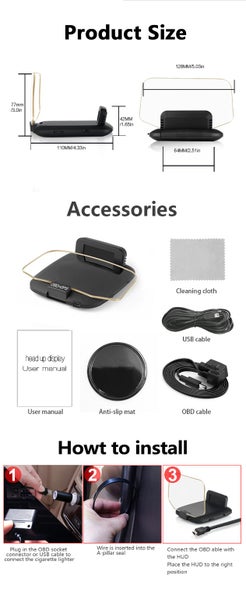
OBD2 working system: Working voltage: 11~18VDC (12VDC/200mA),when the voltage is higher than 24V, please use a USB cable for GPS mode.
System selection: When HUD is power on, pull up the setting button to select the language and systems. Default system is OBD.